
Essential Features of Professional Website Maintenance Services
A common frustration for business owners is paying for a service without fully understanding what they are getting in return. You might have a line item in your budget for “website support,” but if your site still feels sluggish, or if you find yourself fixing broken links on your own, that plan isn’t serving your business.
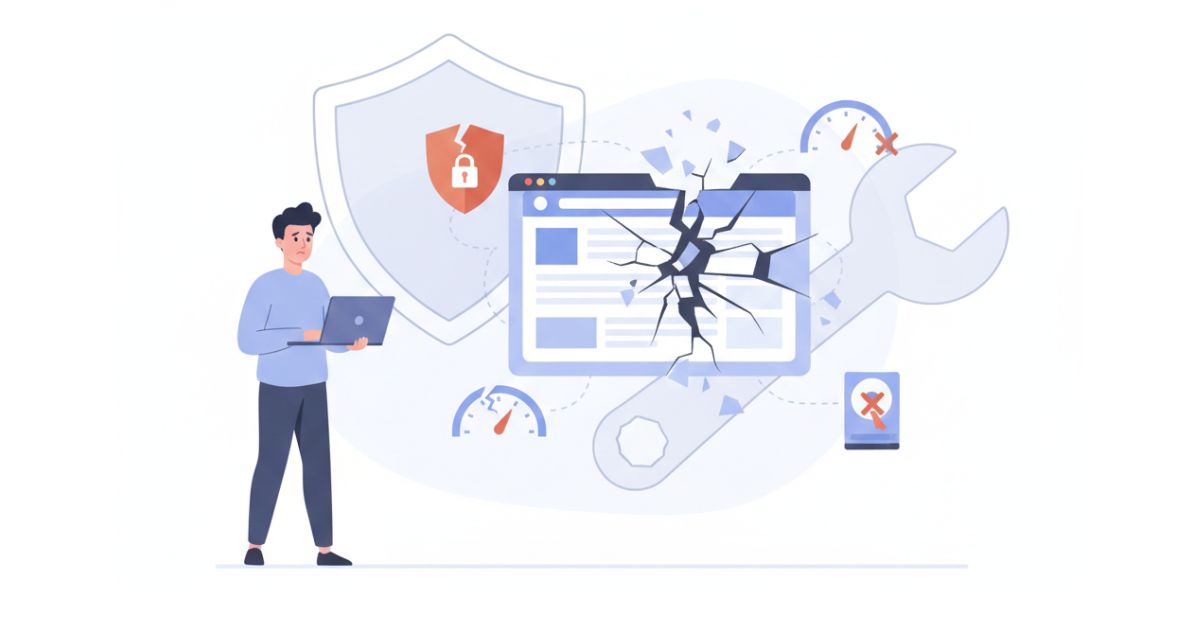
A website is a collection of moving parts, software, databases, security protocols, and hosting environments. When these parts aren’t synchronized, the site fails. A professional maintenance plan should be a comprehensive safety net that prevents downtime and protects your digital reputation. If you are evaluating a provider, you need to know which core pillars actually matter for your bottom line.
Core Security and Vulnerability Management
Security is the most critical component of any maintenance strategy. In 2026, security is no longer just about stopping a total site takeover; it is about preventing subtle scripts from stealing customer data or using your server to send spam.
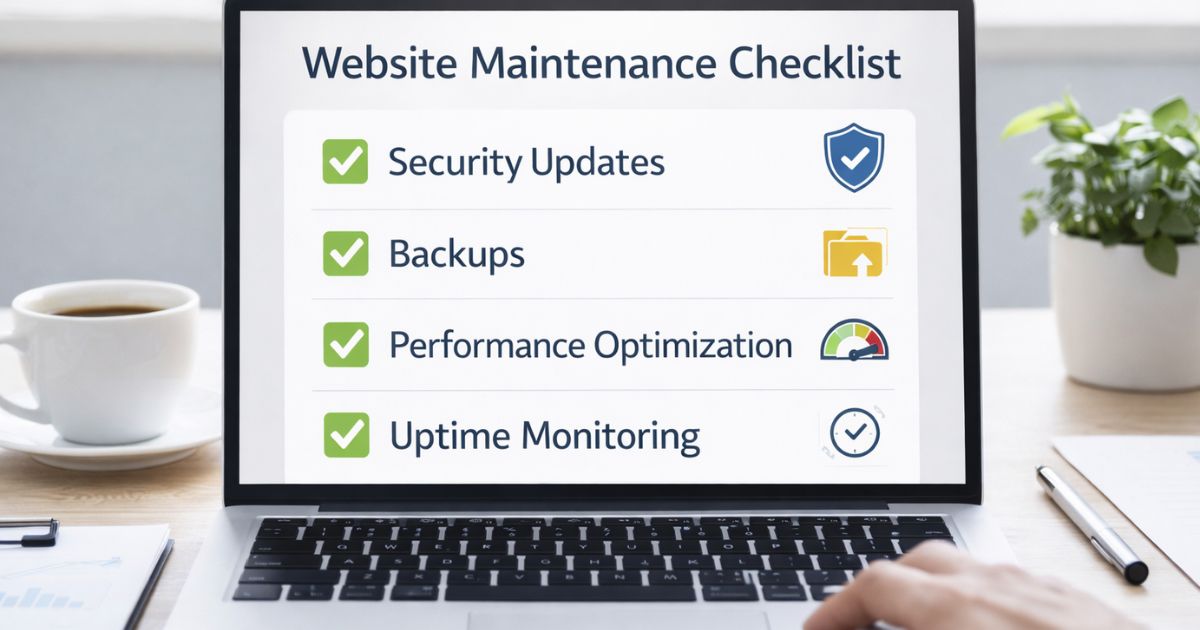
An effective plan must include regular software updates for the core platform, themes, and plugins. However, simply clicking “update” isn’t enough. A professional approach involves reviewing the changelogs and verifying that a security patch won’t conflict with your existing features. At OrbyAx, we perform these checks manually because automated systems often miss the small visual or functional breaks that happen after an update.
Managed Backup Solutions
If your site goes down, you don’t just need a backup; you need a recent, clean backup that can be deployed instantly. A quality plan includes:
- Off-site storage: Storing backups on the same server as your website is a risk. If the server fails, you lose both.
- Regular frequency: Depending on how often you update your content or receive orders, backups should happen daily or even hourly.
- Verification: A backup is only useful if it actually works. Regular tests ensure the data is recoverable.
Performance Optimization and Speed
A slow website is a quiet revenue killer. Research consistently shows that users begin to abandon a page if it takes longer than a few seconds to load. Beyond user experience, search engines like Google use page speed as a primary ranking factor.
Maintenance should include database optimization, cleaning out old revisions, expired session data, and overhead that bogs down your site’s performance. It should also cover image optimization and script management. These technical “tune-ups” ensure that as your site grows and you add more content, the performance doesn’t degrade.
Prevention is Better Than Cure: The Value of Proactive Care
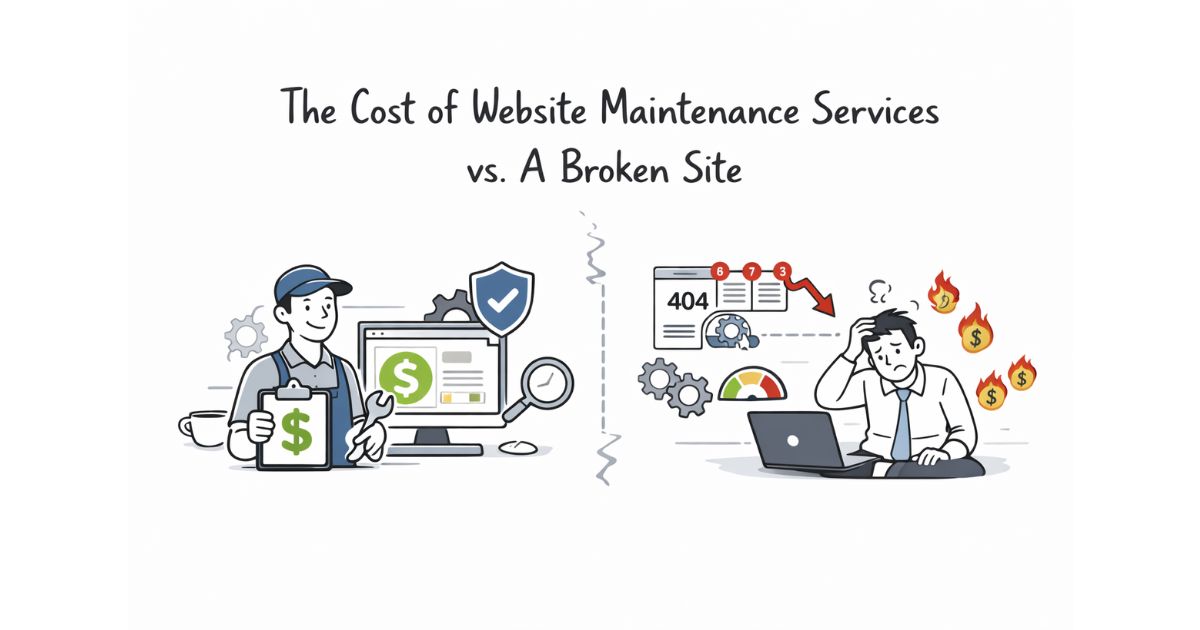
This old adage is especially true for website management. In the digital space, a “cure” for a hacked site or a collapsed database is often an expensive, multi-day process that involves forensic cleaning and manual reconstruction.
By contrast, proactive maintenance is a quiet, behind-the-scenes process. It involves identifying a vulnerability before a hacker does or spotting a plugin conflict in a staging environment before it ever reaches your live audience. It is the difference between a routine check-up and emergency surgery; one is a manageable part of your budget, while the other is an unpredictable threat to your business continuity.
Continuous Monitoring and Uptime Checks
You shouldn’t have to wait for a customer to email you to find out your site is down. A professional plan includes 24/7 uptime monitoring. If the server hiccups or a critical error occurs, your maintenance team should be notified immediately.
This proactive response is what separates basic website maintenance services from true website management. When the goal is business growth, you need a team that acts on your behalf the moment a problem arises, often resolving the issue before you even realize there was a glitch.
Expert Support and Technical Guidance
Technical issues rarely happen during convenient business hours. When a form stops sending leads or a page layout breaks after you add a new product, you need a direct line to someone who knows your site’s history.
A good maintenance plan isn’t just about software; it’s about access to expertise. Whether you need advice on adding a new feature or help troubleshooting a slow-loading gallery, your maintenance provider should act as your outsourced technical department. This support gives non-technical business owners the confidence to make changes to their site without the fear of “breaking everything.”
Why Transparency Matters
Finally, a maintenance plan should include regular reporting. You deserve to see the work being done. This includes a summary of updates performed, security scans completed, and any performance improvements made. Transparency ensures that you aren’t just paying a subscription fee, but are receiving measurable value that keeps your business running smoothly.
At OrbyAx, we believe that clarity is the foundation of a good partnership. We provide straightforward explanations of what we do and why it matters for your specific business goals. Our focus is on long-term stability, ensuring your website remains a reliable asset rather than a source of stress.
If you are looking for a plan that covers these essentials and provides the human oversight your business deserves, explore our website maintenance services. We can help you build a stable foundation for your digital presence.
Keep Your Website Secure, Fast, and Stable
Secure your business today; OrbyAx offers reliable website maintenance services.